
Custodian transactions
Custodian Transactions is the counterpart to the on-chain transactions list and exchange transactions: deposits, withdrawals, transfers and, for wallets that support it, orders on accounts discovered from BitGo, DFNS or Fireblocks.
Open it from Portfolio → Transactions → Custodian Transactions in the sidebar. It appears there once the entity holds at least one custodian account. See connect a custodian if it is not there.
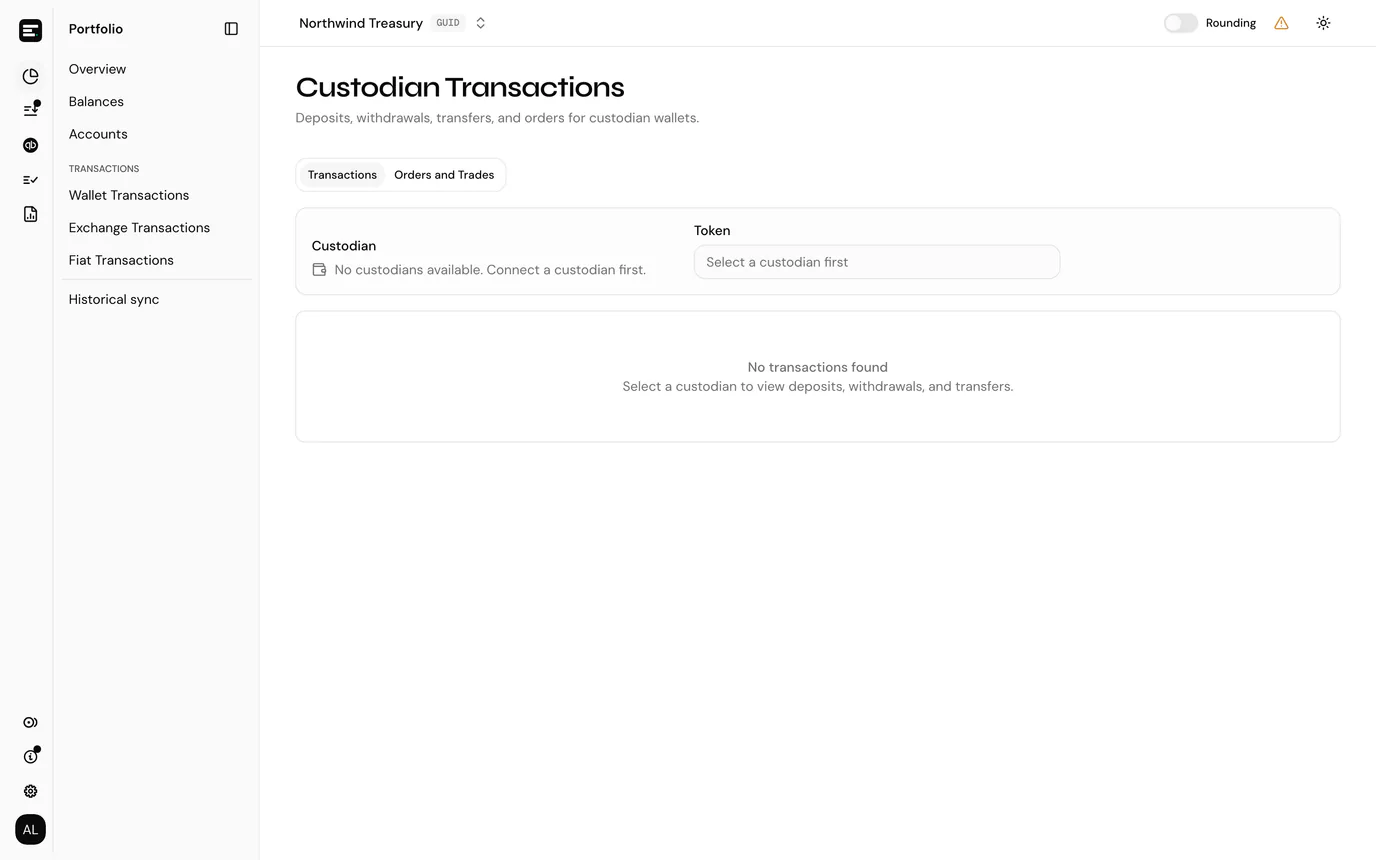
The page has two tabs, Transactions and Orders and Trades, and both start by asking which custodian account you mean.
Transactions
Choose a Custodian from the picker, and optionally narrow to one token.
| Column | Notes |
|---|---|
| Transaction | The provider's own identifier, not a chain hash, with the date and time beneath it. |
| Type | Deposit, withdrawal, transfer and so on. |
| Amount / Value | The amount with its token symbol, and beneath it the value in the entity's currency. Hover the value for the price used. |
| Counterparty | The counterparty address, where the provider reports one. |
Sort by, above the table, orders the rows: newest or oldest first, or by transaction ID, type, token or amount. The column headers do not sort.
The search box matches hash, type, token and address together.
Orders and Trades
The second tab lists orders for custodian wallets that support trading. Today that is the BitGo off-chain Go Account only. DFNS and Fireblocks wallets, and on-chain BitGo wallets, do not offer this tab.
| Column | Notes |
|---|---|
| Order ID | |
| Time | |
| From | What you gave up, with its token. |
| To | What you received. |
| Fee | The provider's fee, in whichever token it was charged. |
| Trades | How many fills made up this order. |
An order with fills expands to them, each showing Time, Amount with its token, and Value. The same card appears on a custodian account's own page when that account supports orders.
Fees are part of the order
The fee is reported against the order rather than as a separate transaction, so do not expect a matching row in the Transactions tab.
How custodian activity is posted
Custodian transactions flow into the same pending queue as on-chain and exchange activity, and need a token card per token held on that account in the same way.
Common problems
"No custodians available. Connect a custodian first." The entity has no custodian account. See connect a custodian.
A custodian is listed but has no transactions. Balances and history arrive through daily background jobs after connect, not immediately. If it has been more than a day, check the credential on the integration page.
The Orders tab is empty or missing. Only wallets with trading support show orders. Select a BitGo Go Account if you expect to see them.
Next
Post a transaction, which is where this activity goes next.