
Reset your password
If you cannot sign in, reset your password from the link on the sign-in screen. You do not need to be logged in.
Request a link
Select Forgot password? on /login, enter the email address your account uses, and submit. SimplyLedger sends a single-use link to that address.
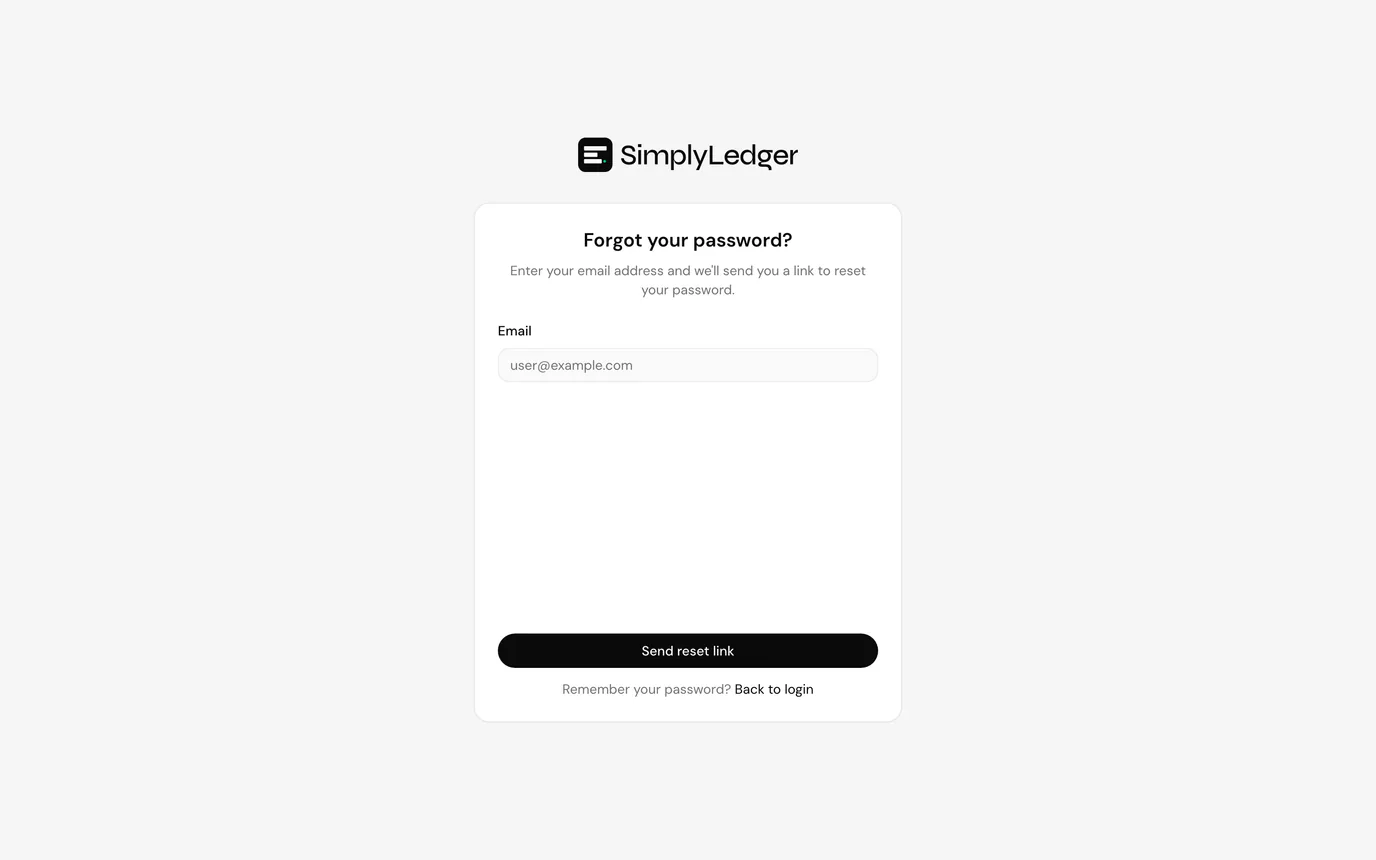
If the address is registered you receive the email whether or not the account still exists. That is deliberate, so the form does not reveal which emails are in the system. Check spam if nothing arrives within a few minutes.
Set a new password
The link opens Reset your password with a token in the URL. Enter the new password twice, at least eight characters, and select Reset password.
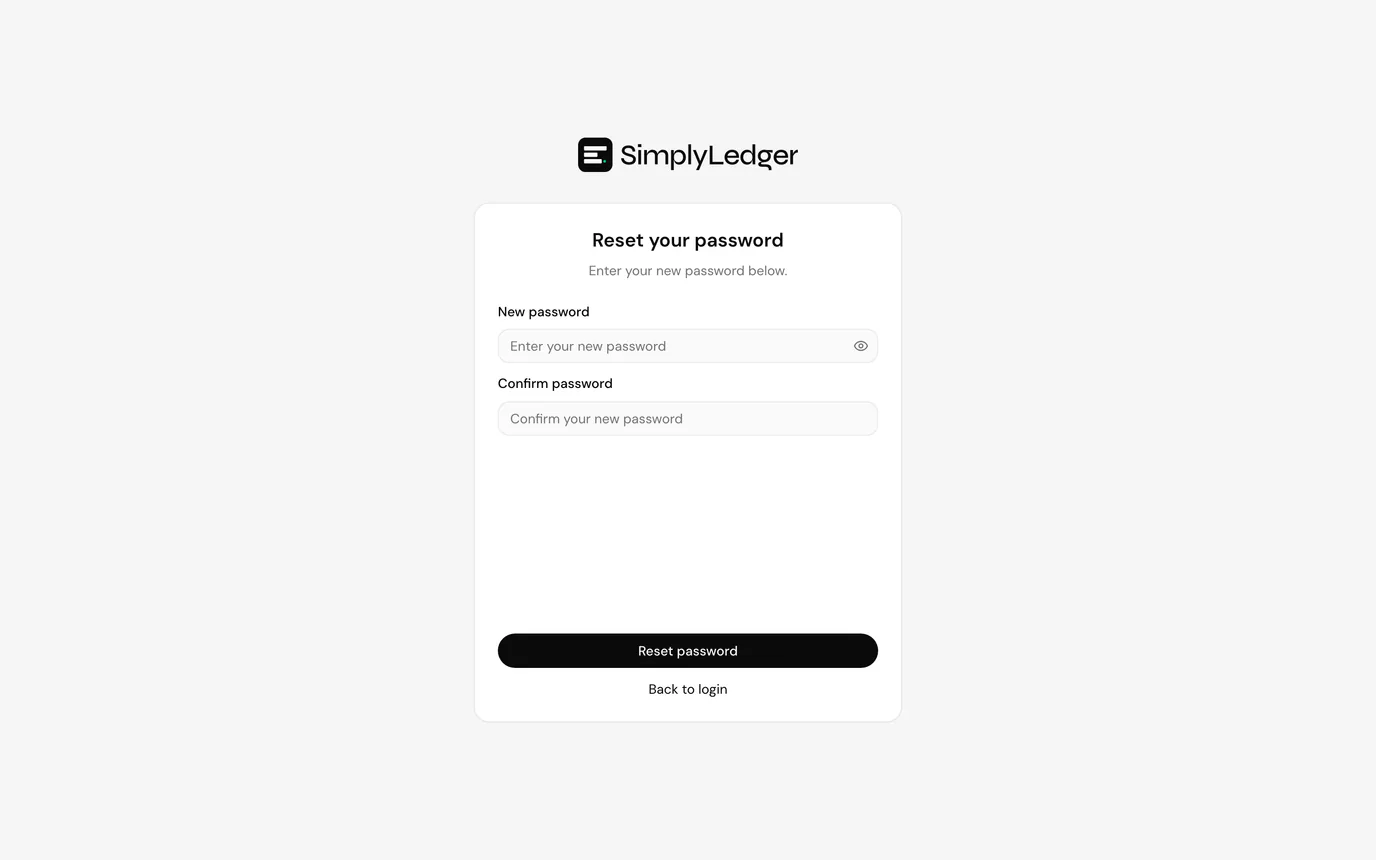
On success you are returned to sign in. Use the new password there. Two-factor authentication, if it was already enabled, stays on: resetting the password does not turn it off.
When the link does not work
Invalid reset link. The URL is missing its token, usually because it was truncated when copied. Request a fresh link from Forgot password?
The link expired or was already used. Each link works once. Start again from Forgot password?
Next
Sign in with the new password, or account security if you also need to change your password while already signed in.