
Journal entries
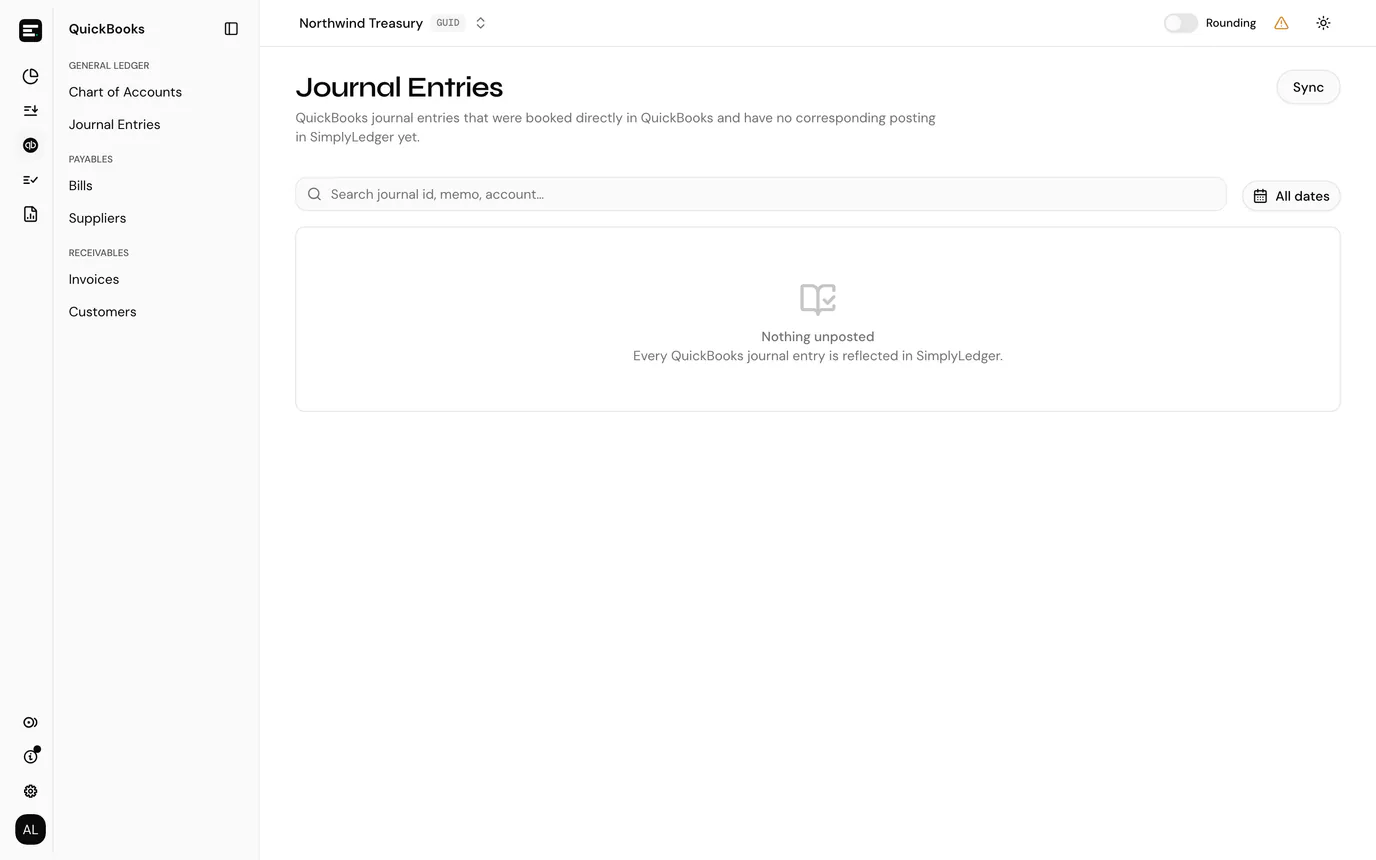
The Journal Entries screen lists QuickBooks journal entries that were booked directly in QuickBooks and have no corresponding posting in SimplyLedger.
It is a reconciliation aid between the two systems. Entries created by SimplyLedger are not listed, only entries somebody made on the QuickBooks side, so an empty page is the healthy state: Every QuickBooks journal entry is reflected in SimplyLedger.
Open it by selecting QuickBooks in the sidebar's icon rail, then General Ledger → Journal Entries.
Enabled per entity
The screen only exists when Enable unposted journal entries is switched on in QuickBooks settings. Turning it off also stops the backend refreshing them.
Reading the list
| Column | Notes |
|---|---|
| Date | The transaction date on the entry. |
| Journal | Its QuickBooks journal entry ID. |
| Memo | The memo from QuickBooks. |
| Accounts | Which accounts the entry touches. |
| Amount | The entry total, with the home-currency equivalent underneath when the entry is in another currency. |
| Created in QB | When it was created in QuickBooks, which is often much later than its transaction date. |
Every sortable column sorts, the search box matches on journal ID, memo and account together, and the date button at the top right filters to a range, with Clear dates to remove it.
Selecting a row expands it to the entry's individual lines: Account, Description, Debit and Credit, so you can see the whole double entry without opening QuickBooks.
Keeping it current
The header carries the date this list was last updated. It refreshes on its own in the background; Sync forces it now, which is what you want after booking something in QuickBooks and wanting to see it reflected here immediately.
If a sync is already running, selecting Sync tells you so rather than starting a second one.
What to do with an entry
An entry appearing here means one of three things:
- It belongs in SimplyLedger too. Post the underlying transaction, see post a transaction, and the entry stops being unposted.
- It was posted in SimplyLedger with a manual journal entry ID. With Allow manual journal entry ID switched on in QuickBooks settings, a posting can claim an existing QuickBooks entry instead of creating a new one, which is how a manually booked entry is tied back without duplicating it. See linking an entry at posting time.
- It is genuinely QuickBooks-only, an accrual or a non-crypto entry. Nothing to do; it stays listed.
Linking an entry at posting time
With Manual journal entry ID enabled, a row being staged for posting carries a control that opens QuickBooks journal entries: the same unposted entries as this screen, offered as a picker.
The dialog lists them with a search across journal id, doc number, memo and account. A long list is truncated, and says so (Showing the first N of M unposted journal entries), so narrow it with the search rather than scrolling.
Selecting a row opens the entry as Journal entry #<id>, with its full detail. Use links it to the posting; Back returns to the list. Once linked, Clear on the picker unlinks it again before you post.
A posting that claims an entry this way is not re-sent to QuickBooks: the existing entry is what the posting points at, so nothing is duplicated and the entry drops off this screen.
Common problems
"No entries in range". The date filter excludes everything. Clear the dates.
An entry I just posted is still listed. The list is a snapshot. Select Sync.
Next
QuickBooks for the connection and what SimplyLedger sends, or QuickBooks accounts for the chart these entries hit.