
Sign in
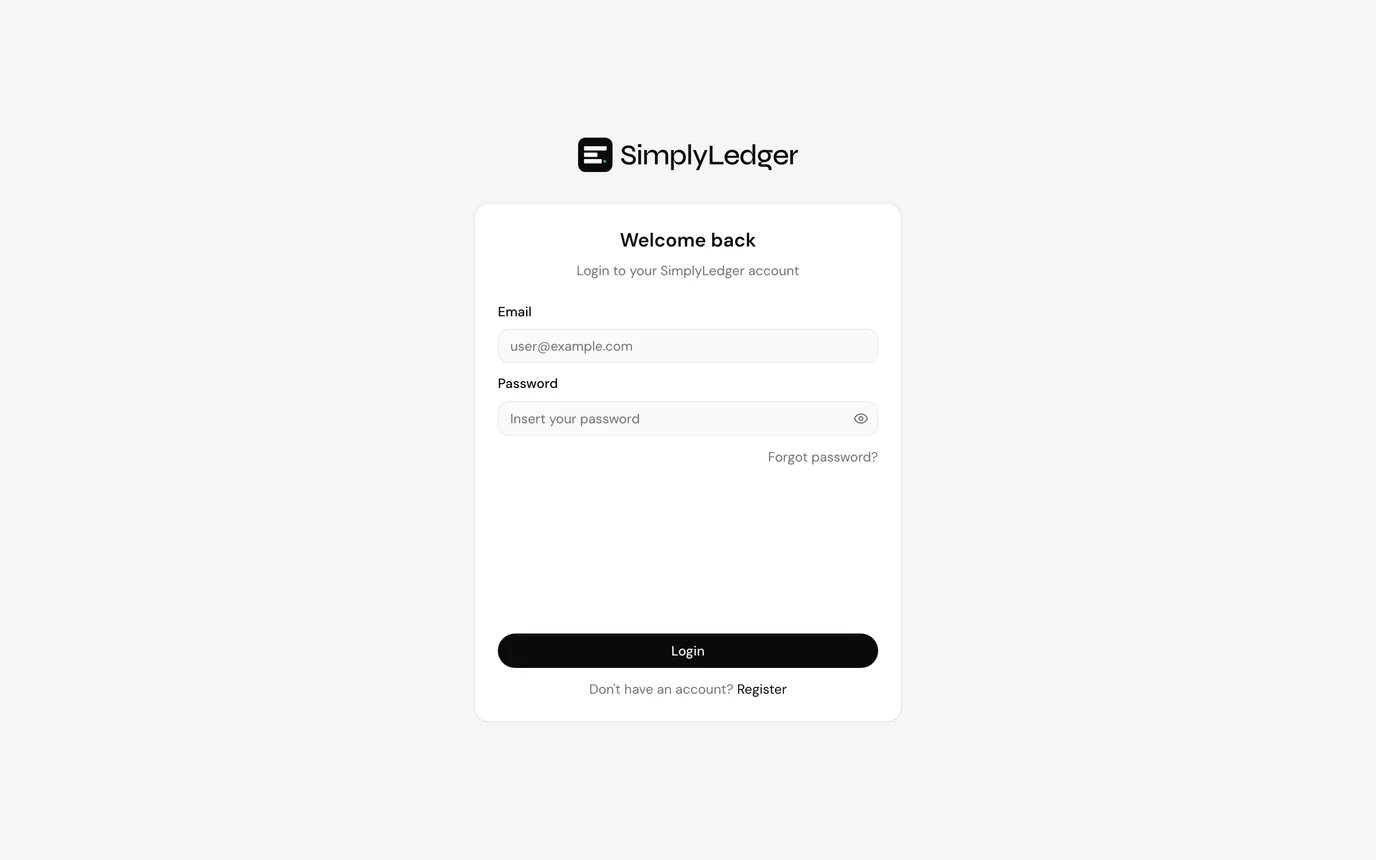
Go to /login and enter the email address and password you registered with.
Two-factor authentication
If two-factor authentication is enabled on your account, you are asked for a six-digit code from your authenticator app after your password is accepted.
The screen shows Two-factor authentication with a single code field. Codes rotate every thirty seconds; if one is rejected, wait for the next rather than retyping the same digits.
Use backup code switches to a one-time backup code instead. Each backup code works once. You were shown a set when you enabled 2FA.
No screenshot
This screen only appears after a successful password check on an account with 2FA enabled. The capture environment keeps 2FA off on the demo account so automated sign-in keeps working, so this step is described in prose only.
Forgotten password
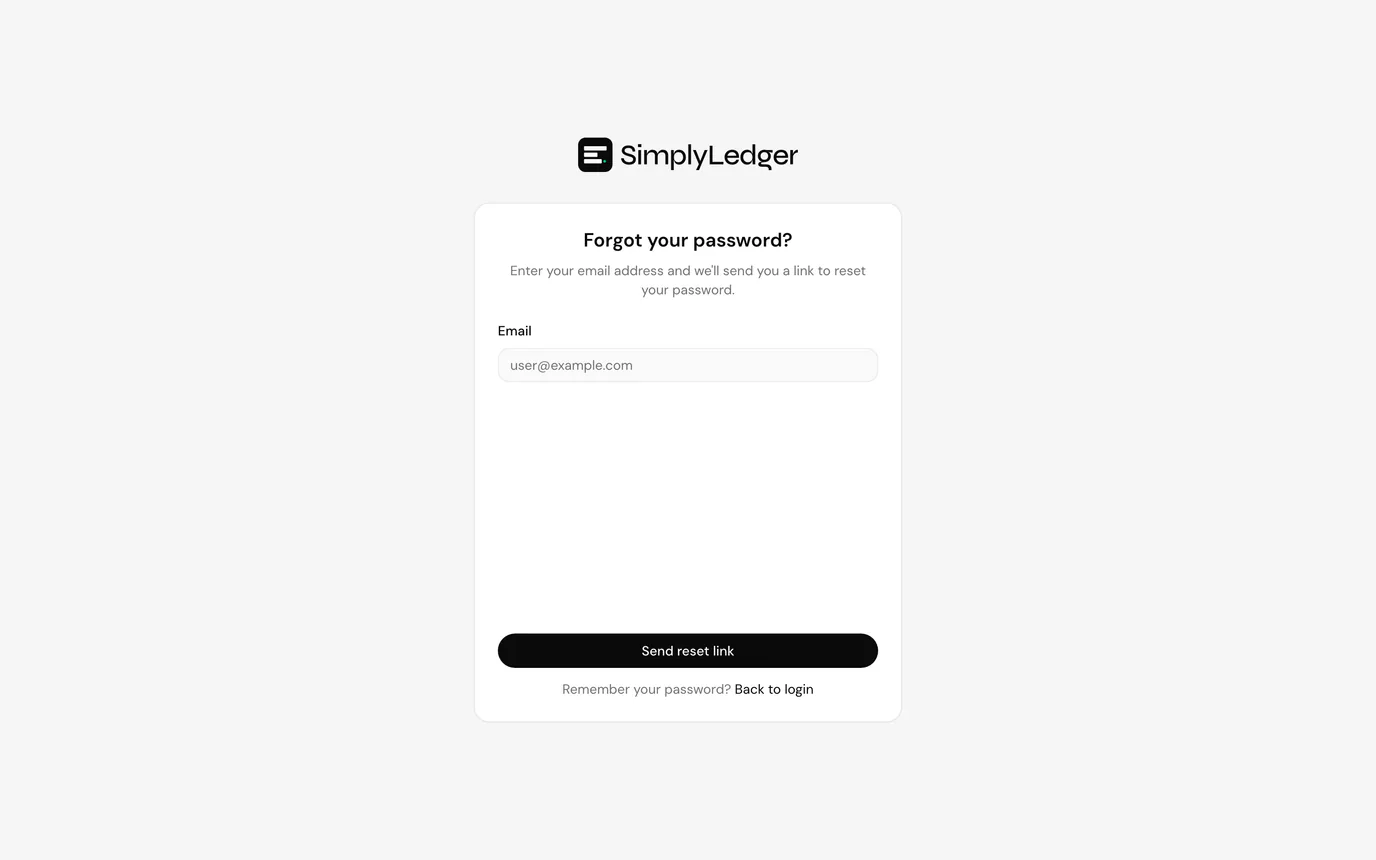
Select Forgot password? on the sign-in screen and enter your email address. You will receive a link to set a new password.
See reset your password for what happens when you open the link.
Session expiry
Sessions expire after a period of inactivity. When that happens you are returned to the sign-in screen with a notice that your session has expired. Sign in again to continue where you left off.
Next
The first time you sign in you are asked to choose portfolio or accounting.