
Create an account
You need a SimplyLedger login before you can track accounts or post transactions. If a colleague has invited you, open the invitation link from your email. It carries an invitation token that attaches your new account to their organisation automatically.
Fill in the registration form
Go to /register and complete the form.
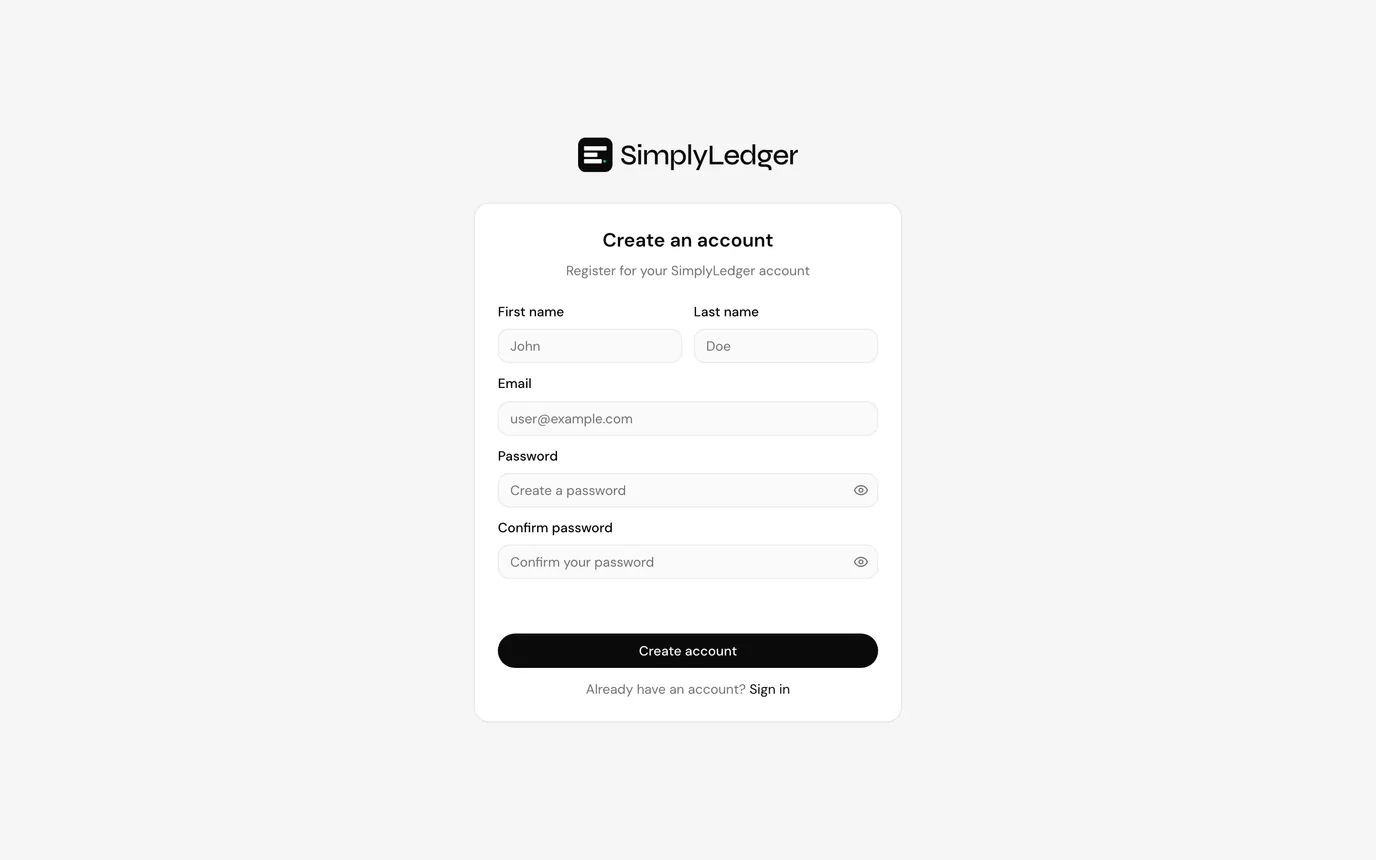
| Field | Notes |
|---|---|
| First name / Last name | Shown to other members of your organisation. |
| Where your verification code is sent. You sign in with this address. | |
| Password | Must meet the strength rules shown under the field if the password is rejected. |
| Confirm password | Must match exactly. |
Use the eye icon at the right of either password field to check what you typed.
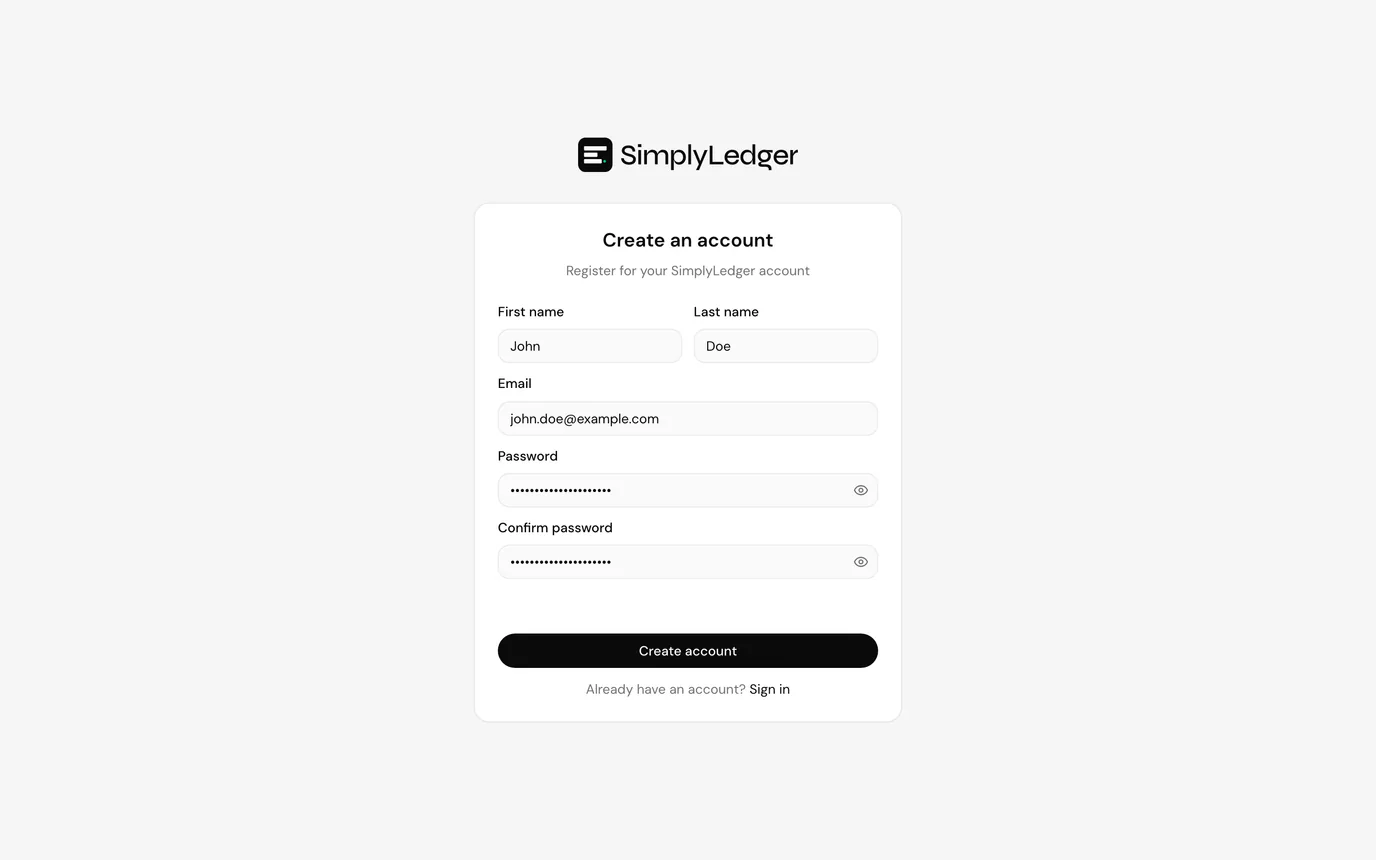
Submit
Select Create account. On success you will see a confirmation that a verification code has been sent to your email address.
If registration fails, the error appears as a notification in the corner of the screen. The most common causes are an email address that is already registered and a password that does not meet the strength rules.
Next
Your account exists but cannot be used yet. Continue to verify your email.