
Custodian integrations
BitGo, DFNS and Fireblocks each have their own page under Integrations, at /<entityId>/integrations/<name>. It is where a custodian's stored credentials live, separately from the discovered accounts themselves.
Connecting a custodian for the first time is done from Accounts → Create → Custodian, described in connect a custodian. This page is for what happens afterwards.
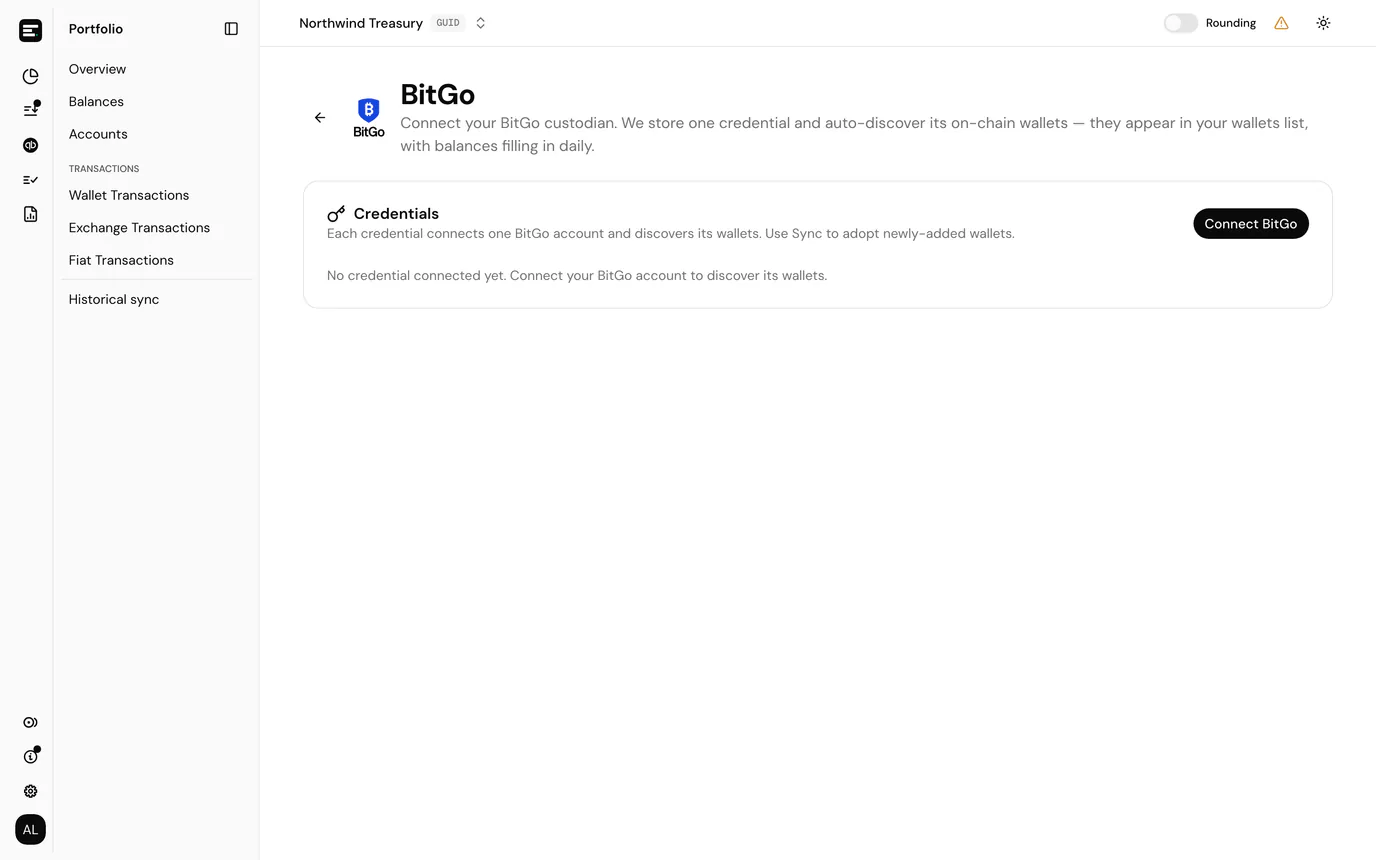
Credentials
Each row is one credential: the label you gave it, a preview of the token or key (first characters only; the full value is never shown again), and the date it was connected.
| Action | What it does |
|---|---|
| Sync wallets | Re-runs discovery against the provider and imports any wallets added since the credential was created. Safe to run any time. |
| Delete | Removes the credential after a confirmation. Discovered accounts stay in your ledger but stop receiving new data. |
You can hold more than one credential for the same provider when you have separate environments or organisations to track.
How this differs from an exchange integration
| Exchange (overview) | Custodian (this page) | |
|---|---|---|
| First connect | Accounts → Create → Exchange | Accounts → Create → Custodian |
| What you store | One API key per exchange account | One credential that may discover many wallets |
| Accounts list | Exchanges tab, one row per account you named | Custodians tab, one row per discovered wallet |
| Reconnect | Attach a new key to an existing account under Needs reconnect | Delete the old credential and connect again with a fresh token |
| Sync | Automatic from the exchange API | Sync wallets on this page for new addresses; balances and transactions via daily jobs |
There is no Needs reconnect section for custodians. When a token expires, delete the credential here and create a new one from Accounts → Create → Custodian.
Common problems
Sync wallets finds nothing new. The provider account may not have added addresses on supported chains, or the token lacks permission to read them.
Deleting did not remove accounts. That is deliberate. Archiving is done from each account's own page if you no longer want it in reports.
I expected an exchange page. Binance, Kraken, KuCoin, OKX and Nexo use the exchange integration flow instead. Only BitGo, DFNS and Fireblocks use this one.
Next
Custodian transactions for activity on the discovered accounts, or account details to open one directly from the accounts list.