
Verify your email
After registering, SimplyLedger sends a verification code to the address you signed up with. Your account stays inactive until you enter it.
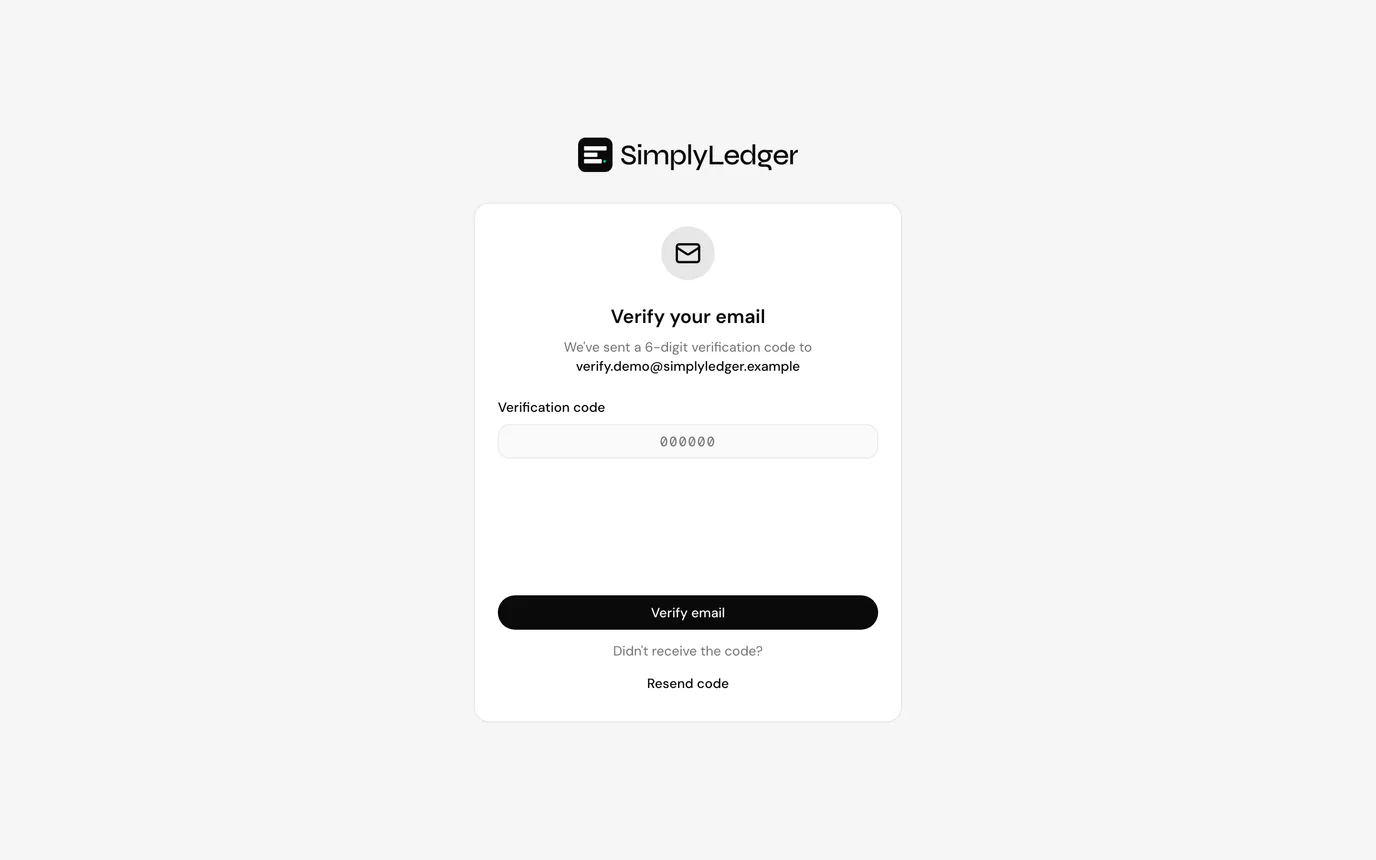
Enter your code
- Open the email from SimplyLedger and copy the verification code.
- Enter it on the verification screen.
- Select Verify email.
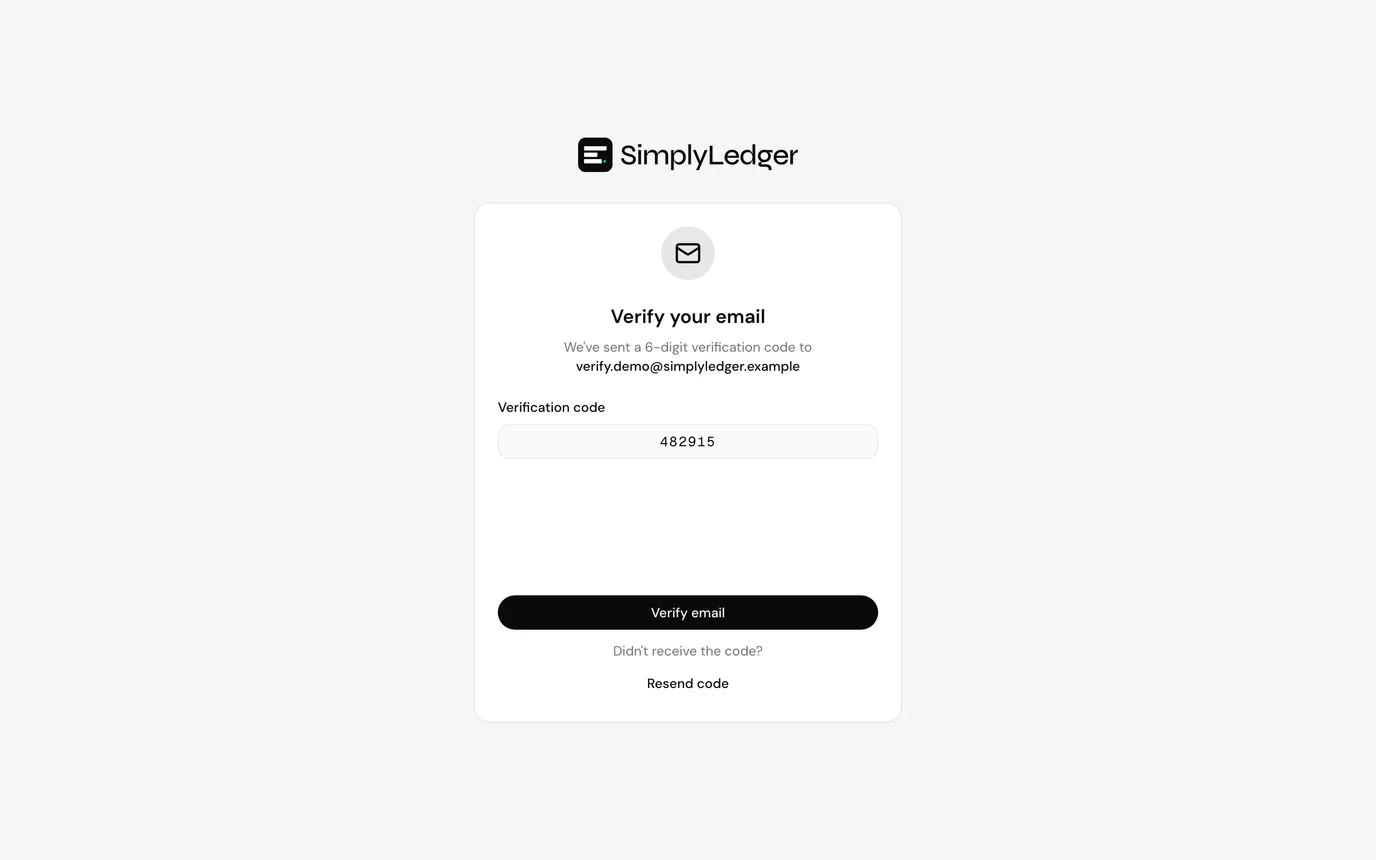
You are signed in automatically once the code is accepted; there is no need to go back to the sign-in screen.
If the code does not arrive
- Check your spam or junk folder. Verification mail is automated and is occasionally filtered.
- Confirm you registered with the address you are checking. A typo in the email field is the usual cause.
- Verification codes expire. If yours has, use Resend code rather than reusing the old email.
Next
Once verified, sign in. You are then asked to choose portfolio or accounting for your first workspace.