
Fiat prices
Every Value column on a fiat transaction, a fiat token card and a fiat account in the portfolio comes from a stored FX rate for that currency on that date. Crypto prices live under token prices; fiat currencies have their own history here.
Select Supported Tokens in the sidebar's icon rail, then Fiat Pricing, or Fiat pricing on the Fiat Tokens page. The page is titled Fiat Prices.
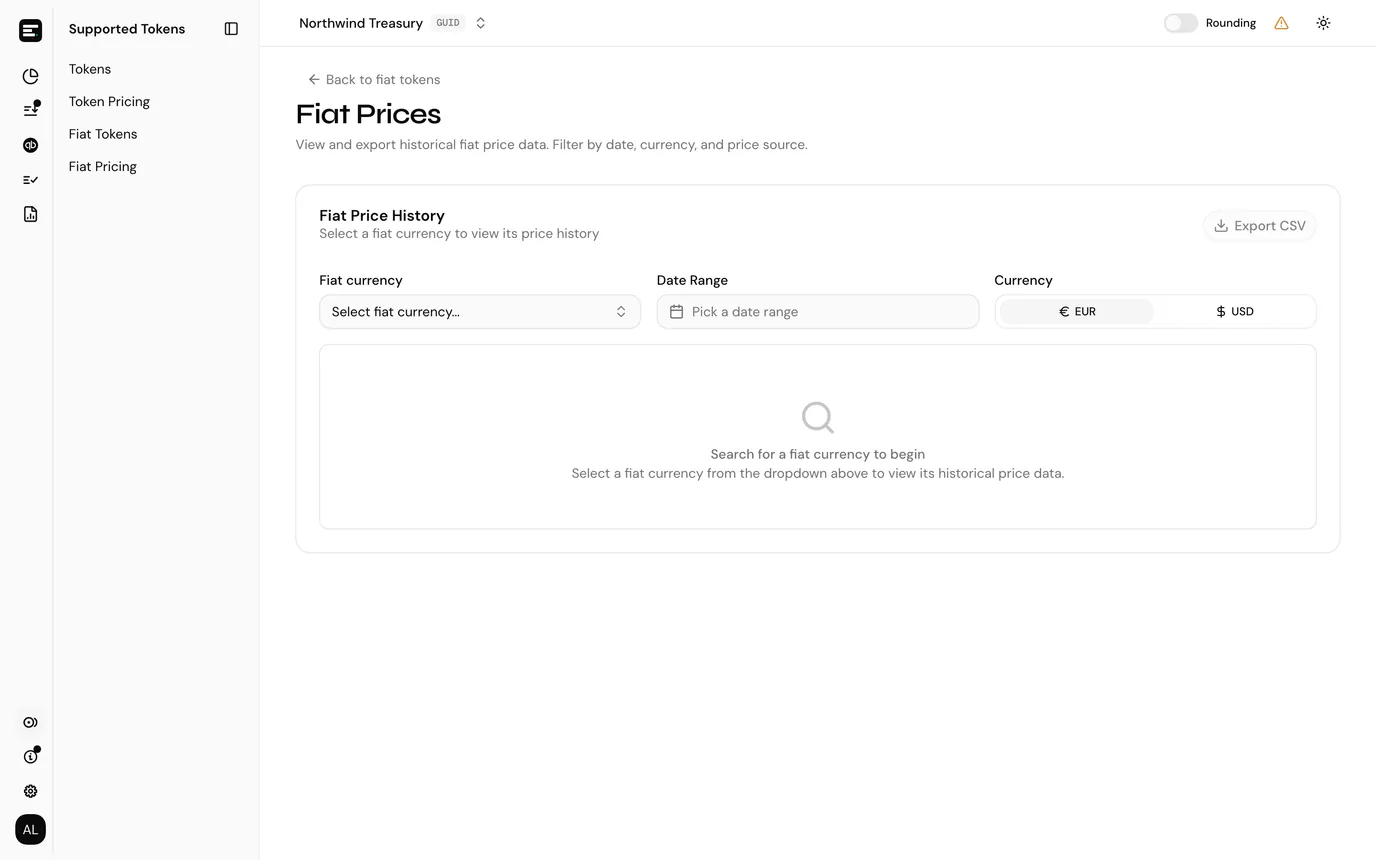
What the page shows
Pick a fiat currency from the list to load its stored prices. Until one is selected the table stays empty.
| Column | Notes |
|---|---|
| Date | The calendar day the rate applies to. |
| Price | How much one unit of the fiat currency is worth in the selected display currency. |
| Currency | The display currency the price is quoted in: your entity currency or USD. |
| Source | Where the rate came from. |
Filter by date range to narrow a long history, and switch the currency toggle to read the same rates in USD instead of your entity currency.
Export downloads what is on screen. Reset filters clears the currency and date picks.
How fiat rates get here
Fiat currencies are reference data, added centrally rather than per entity. See fiat tokens. Each row in that list names a source token (the crypto asset its rate is derived from), which is what links a bank balance in EUR to a price feed.
SimplyLedger fills these rates through the same background pricing pipeline that serves crypto. You do not queue an extraction from this page the way you do on token prices; it is read-only.
When a value is missing
If a fiat line shows an amount but Value is blank, there is no stored rate for that currency on that date. Check this page for the gap before assuming the import failed.
Raising a support ticket with the currency, the date and the account is the right next step when the history looks incomplete.
Next
Add a fiat account if you are setting up the bank side, or fiat transactions for what happens once statement lines are imported.