
Spam, requests and fiat
Four lists sit around the main tokens page. Each answers a narrow question, and this page covers what is on them and what you can do there.
The entity's own lists are under Settings in the sidebar's icon rail, in the Token Management section: Spam Tokens, Token Requests and Token Address Requests. Fiat Tokens is reference data shared by every entity, so it sits with Tokens under Supported Tokens.
Spam tokens
Settings → Token Management → Spam Tokens lists the tokens this entity has marked as spam. A spam token is excluded from reports and kept out of the posting queue, which is what you want for airdropped junk that is real on chain but meaningless in your books.
| Column | Notes |
|---|---|
| Name | |
| Symbol | |
| Created | When the token record was created. |
Marking happens elsewhere, wherever you first meet the token: Mark as spam on the token form, and Mark as spam? when resolving a missing token from the posting overview. That second one is the common route, because that is where junk tokens surface.
Remove from spam on a row reverses it. The token goes back to normal handling and its transactions become postable again, so nothing is lost by marking something as spam and changing your mind.
Spam is per entity
Marking a token as spam affects this entity only. Another entity holding the same token is unaffected.
Token requests
Two pages show what this entity has asked to be added to SimplyLedger's shared reference data.
Token requests
Settings → Token Management → Token Requests lists new tokens submitted for approval.
| Column | Notes |
|---|---|
| Symbol | With a stablecoin badge where it was flagged as one. |
| Name | N/A if none was given. |
| Spam | Whether the request was submitted already marked as spam. |
| Created |
Token address requests
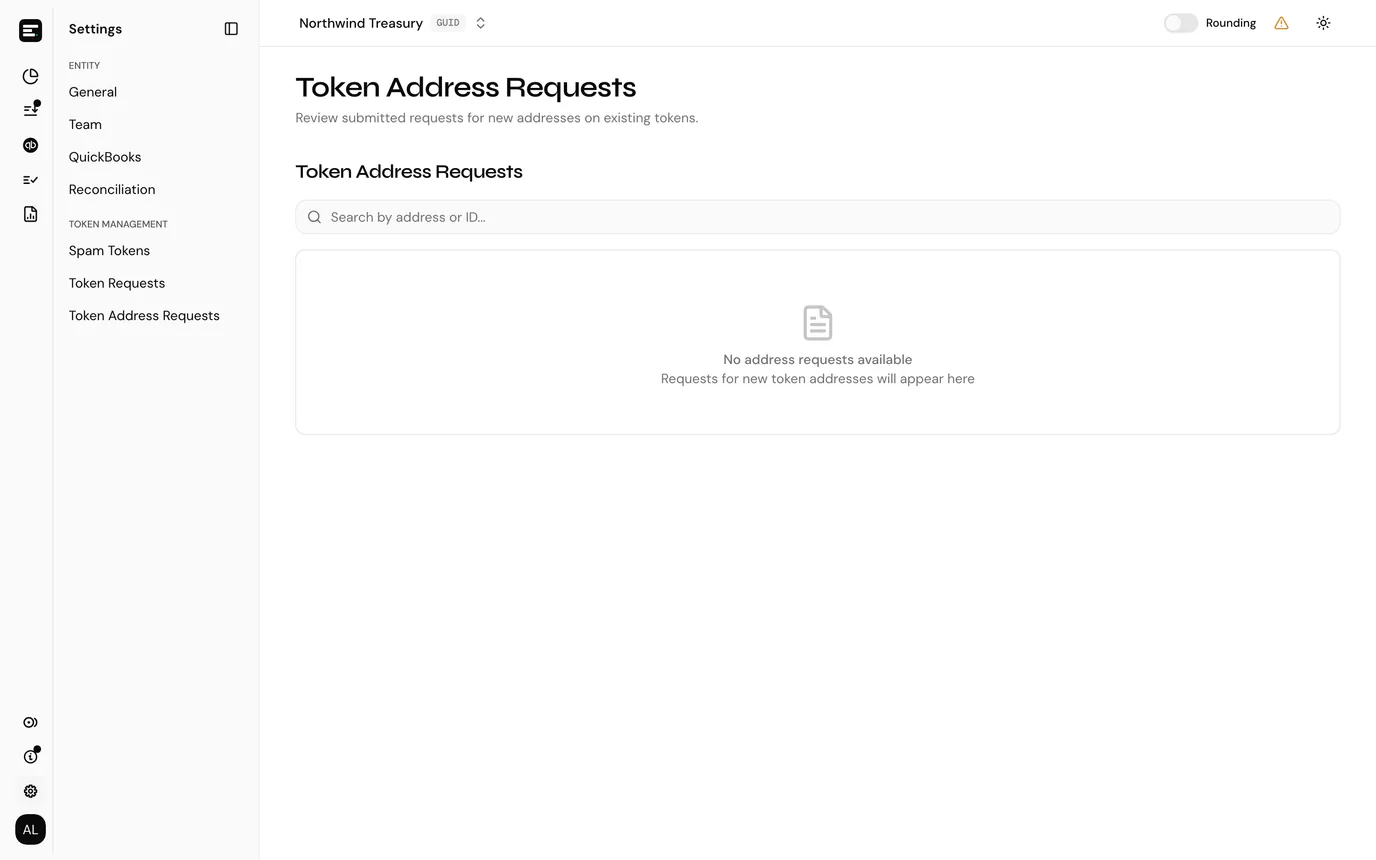
Settings → Token Management → Token Address Requests lists new contract addresses for tokens that already exist. It used to be the second table on Token Requests.
| Column | Notes |
|---|---|
| Chain | Which chain the address is on. |
| Address | The contract address. |
| Exponent | The token's decimals on that chain. |
| Created |
Both lists are read-only here. Requests are submitted from the token and address forms, covered in tokens and addresses, and reviewed by SimplyLedger rather than by you. A request stays listed until it is approved, at which point the token or address becomes usable and can be given a token card.
If a request has been sitting for longer than you expected, raise a support ticket quoting the symbol or address.
Fiat tokens
Supported Tokens → Fiat Tokens lists the fiat currencies the system supports: name, symbol and when each was added.
It is reference only, with nothing to act on. Fiat currencies are added centrally, not per entity.
The list matters when creating a fiat token card, either on an exchange account for a cash balance held there or on a fiat account for a bank balance. If the currency you hold is not listed, its card cannot be created; raise a support ticket.
Fiat Pricing, beside it under Supported Tokens and linked from this page as Fiat pricing, shows the stored FX rates used to value those balances. See fiat prices.
Next
Tokens and addresses for the reference data these lists sit around, or token cards for putting a token to work in an account.